Auto-Fill PDFs from CSVs
Using eel, a python package, to create a front end for filling in PDFs using a CSV as input
completed on: 2021-10-15
Automatically filling in form fields within a PDF is a massive pain, as anyone who has ever tried to automate this process knows. Working with adobe’s API to access a documents form fields is a nightmare. They may do this on purpose so that you buy some extension or add on, I am assuming.
Luckily, a python package exists to help with this: pyPDF
Utilizing this package, I created a set of functions that enable users to input information from a csv directly into a PDF. Imagine you have 2,000 PDFs to create. You could try to auto-fill them using Adobe’s suite of tools (which suck), or you can write some python. As long as the csv is formatted correctly, the GitHub repo at the top of the page should be helpful.
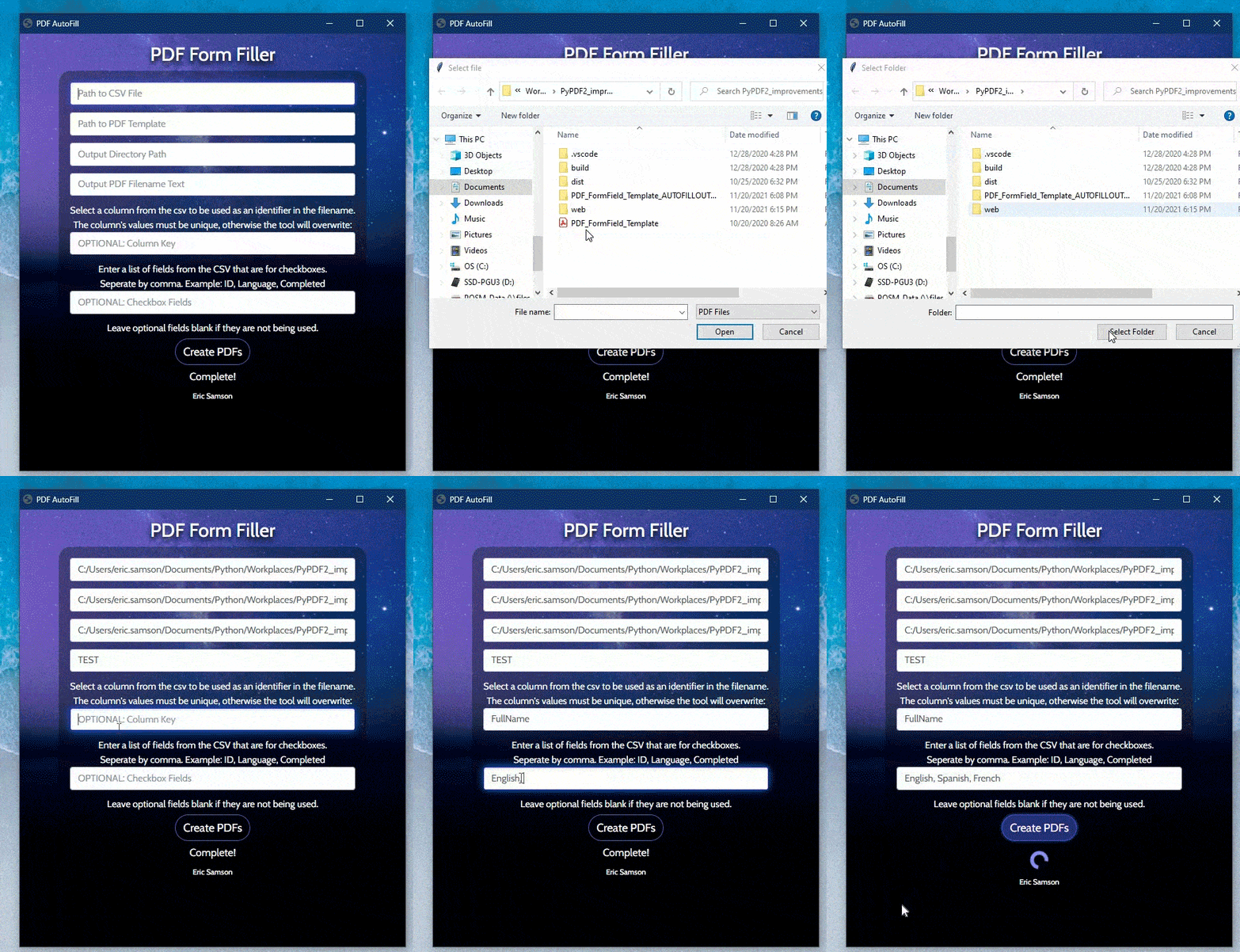
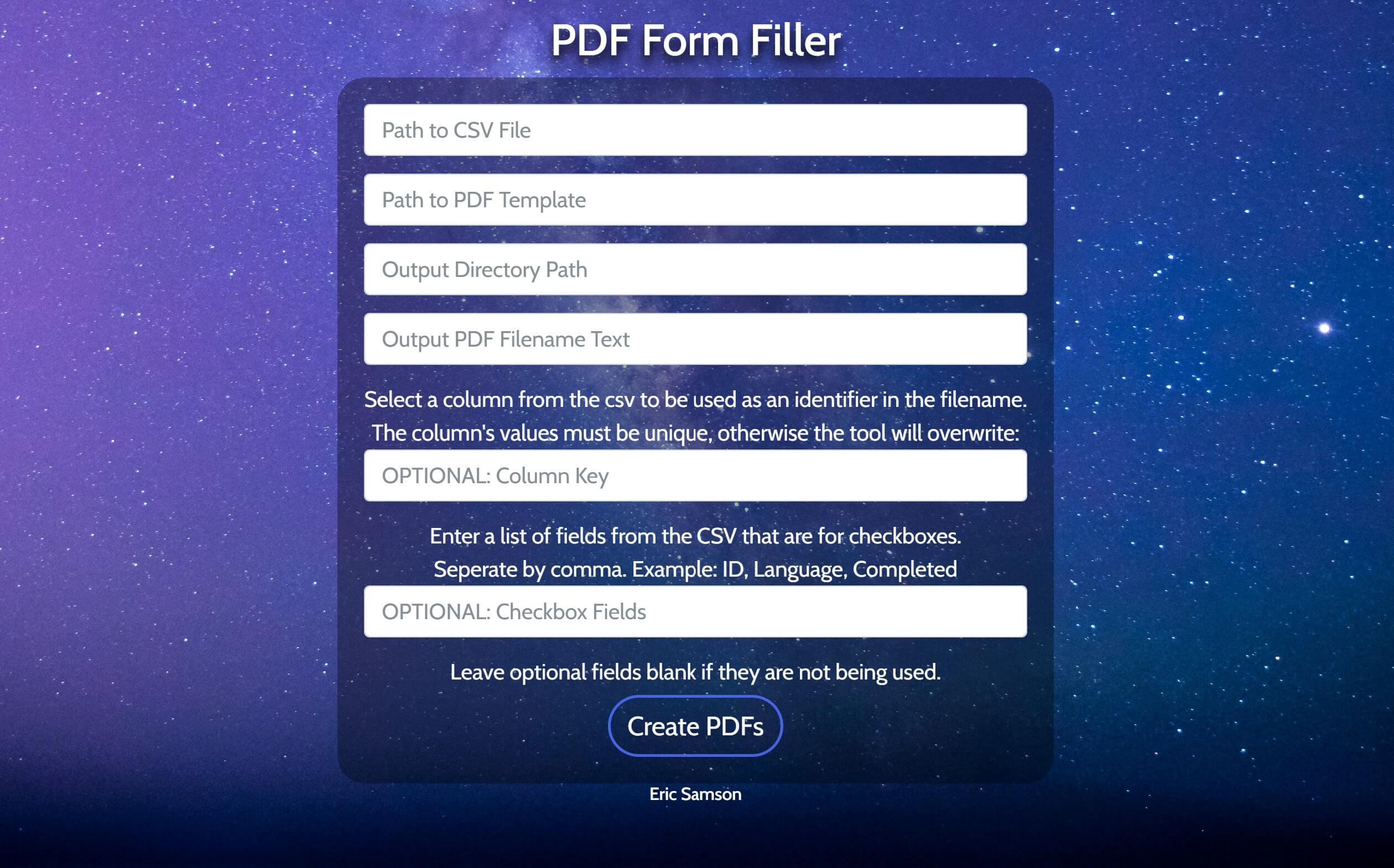
To make it more interactive and even easier to use, I took the opportunity of creating a front-end for the code, so the user can input the neccesary parameters and have it run on their desktop via a UI. I used the eel python package to accomplish this.
Here’s an example below, you can download the .exe within the release page of the GitHub repo: